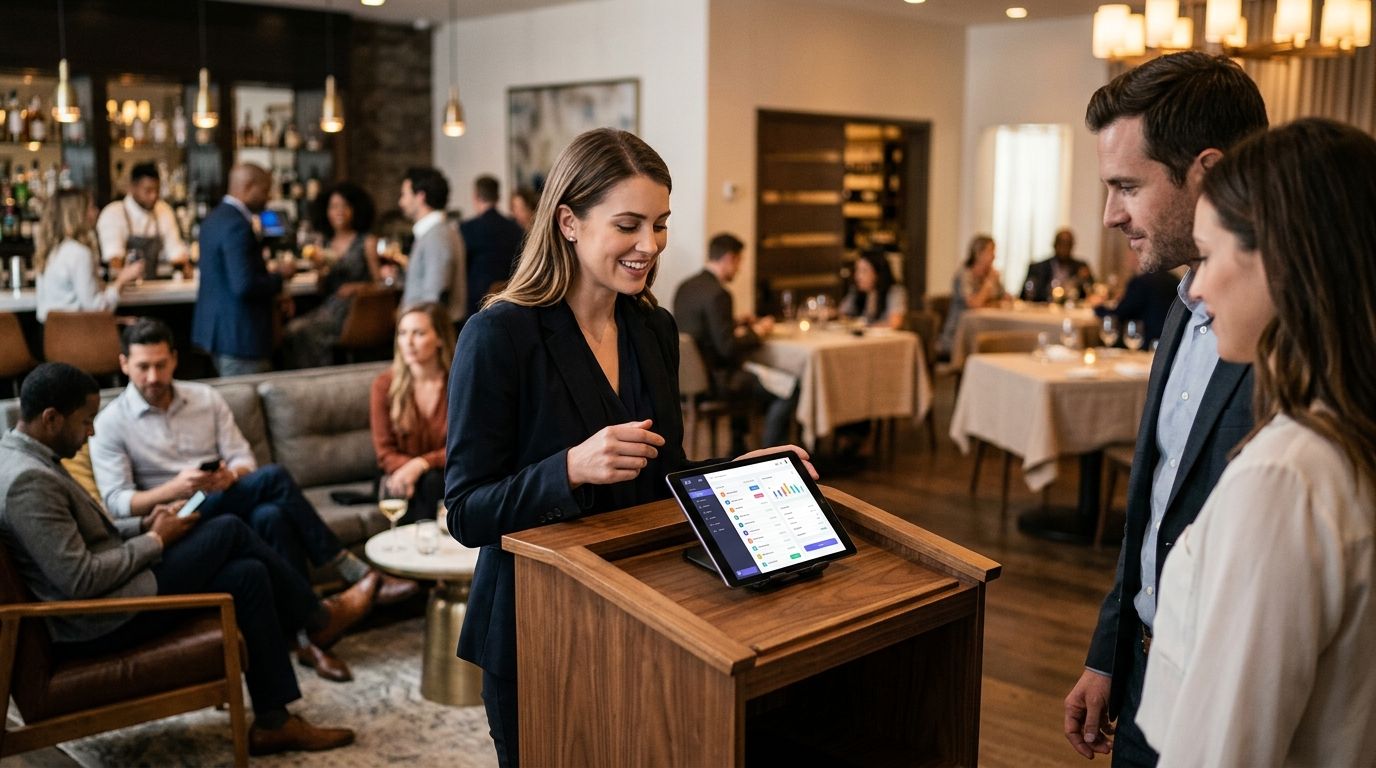
Waitlist management software fills the gap between a sold-out slot and a paying customer, but it does not fill the waitlist itself — that's marketing's job. Best overall for venues in 2026: Waitwhile. Best for high-footfall attractions: Qminder. Best budget option for single-site venues: TablesReady.
- Waitwhile is the best waitlist management software for venues running multiple sites or event types in 2026.
- Qminder suits high-footfall attractions that need live queue dashboards and real-time analytics.
- TablesReady is the simplest, most affordable option for single-site venues starting their first digital waitlist.
- Software only manages who's waiting — a [waitlist marketing campaign](https://fullybooked.byryze.com/how-to-run-a-waitlist-marketing-campaign-for-a-sold-out-event) is what turns that list into paid bookings.
- Every tool on this list handles SMS notifications; none of them run the marketing that fills a sold-out event.
Why this matters
A venue running at capacity without a waitlist tool loses bookings the moment a table or slot frees up — nobody's watching to fill it. Waitlist management software fixes the operational side: it captures the queue, texts people when a spot opens, and stops staff manually calling down a list on a notepad.
But a full waitlist and a full venue are two different problems. Plenty of operators run waitlist marketing campaigns precisely because software alone doesn't convert interest into revenue — it just organises it. The right tool matters, but it's one part of a system that also has to reduce no-shows and keep the pipeline of interested bookers warm between visits.
What makes the best waitlist management software for venues
- SMS and app notifications — texts or push alerts when a slot opens, not just email
- Virtual queue tracking — customers see live position without standing at a desk
- Booking system integration — waitlist entries convert into confirmed bookings without manual re-entry
- Multi-location support — one dashboard across sites, not a separate login per venue
- Analytics on wait times and drop-off — data on how long people actually wait and where they abandon
- No-show and capacity data — feeds back into staffing and slot planning
At a glance
| Software | Best for | Standout feature | Key limitation |
|---|---|---|---|
| Waitwhile | Multi-location venue groups | Virtual queue with SMS and calendar sync | Advanced automation sits behind higher plan tiers |
| Qminder | High-footfall attractions | Live queue dashboards and real-time analytics | Built for retail/public-sector queueing, not ticketed events specifically |
| TablesReady | Single-site venues on a budget | Simple text-based waitlist, fast setup | Limited multi-location and enterprise features |
| SimplyBook.me | Venues combining bookings and waitlists | Waitlist sits inside a full online booking platform | Setup takes longer than a standalone waitlist tool |
| Qwaiting | Enterprise attraction operators | Queue and appointment management across branches | Heavier onboarding than single-site operators typically need |
1. Waitwhile: best waitlist management software for multi-location venue groups
Waitwhile runs a virtual queue that customers join remotely, then texts them when it's their turn — no standing at a host stand. It syncs with booking calendars so a waitlist entry can convert straight into a confirmed slot, and it supports multiple venue locations under one account.
Waitwhile pros:
- Virtual queue removes the physical line entirely
- SMS and app notifications keep guests informed without staff intervention
- Works across multiple sites from a single dashboard
- Calendar and booking system integrations reduce manual re-entry
Waitwhile cons:
- Deeper automation and reporting require higher-tier plans
- Set-up for multi-location groups takes longer than a single-site tool
Waitwhile pricing: check current plans on the provider's site — tiers scale with locations and features.
Best for: venue groups running more than one site that need one system across all of them. Verdict: Buy if you operate multiple locations in 2026.
2. Qminder: best waitlist management software for high-footfall attractions
Qminder is a queue management platform built for high-volume environments — retail, government offices, and busy service counters — with live dashboards showing wait times and staff performance in real time. Attractions with heavy walk-up traffic use it to manage entry queues without a paper list.
Qminder pros:
- Real-time analytics on queue length and average wait
- Handles high daily volume without lag
- Staff-facing dashboard flags bottlenecks as they happen
Qminder cons:
- Designed around general queueing, not ticketed-event specifics
- Fewer venue-specific features than tools built for hospitality
Qminder pricing: confirm current plans directly with the provider.
Best for: attractions with consistent daily walk-up volume that need to see queue data live. Verdict: Buy if wait-time visibility is your bottleneck.
3. TablesReady: best waitlist management software for single-site venues on a budget
TablesReady is a text-based waitlist tool built originally for restaurants — guests get added to a list and receive a text when their table or slot is ready. It's the simplest tool on this list to set up, with none of the multi-site or enterprise complexity the bigger platforms carry.
TablesReady pros:
- Fast to set up, minimal training needed for front-of-house staff
- Text-based flow guests already understand from restaurant waitlists
- Lightweight enough for a single venue to run without IT support
TablesReady cons:
- Limited multi-location and enterprise reporting
- Fewer integrations with wider booking or CRM systems
TablesReady pricing: check current plans on the provider's site.
Best for: a single-site venue running its first digital waitlist without complex requirements. Verdict: Buy if simplicity matters more than scale.
4. SimplyBook.me: best waitlist management software for venues combining bookings and waitlists
SimplyBook.me is a full online booking platform with a waitlist function built in, so guests who can't get a slot land in a queue tied to the same calendar as confirmed bookings. It suits venues that want one system handling both scheduling and overflow demand.
SimplyBook.me pros:
- Waitlist and booking calendar share the same system, no syncing between tools
- Custom booking pages branded to the venue
- Useful for venues selling timed sessions, not just walk-ins
SimplyBook.me cons:
- Waitlist function sits behind a wider platform, so setup takes longer
- More configuration than a dedicated standalone waitlist tool
SimplyBook.me pricing: confirm current plans directly with the provider.
Best for: venues that want booking and waitlist management in one platform rather than two. Verdict: Hold — worth it if you're also replacing your booking system, overkill if you just need a queue.
5. Qwaiting: best waitlist management software for enterprise attraction operators
Qwaiting is a cloud queue and appointment management system built for organisations running multiple branches or departments — think large visitor attractions with several entry points or ticket counters. It combines appointment scheduling with live queue tracking across locations.
Qwaiting pros:
- Manages both appointments and walk-up queues in one system
- Multi-branch reporting suited to larger operators
- Analytics cover staff performance alongside wait times
Qwaiting cons:
- Onboarding is heavier than single-site operators typically need
- Feature set skews toward enterprise use cases, not small venues
Qwaiting pricing: check current plans on the provider's site.
Best for: large attraction operators managing several branches or entry points. Verdict: Buy if you're running queue operations at genuine enterprise scale; Skip if you're a single venue.
How we ranked
Each tool was weighed against the six criteria above: notification method, virtual queue capability, booking integration, multi-location support, analytics depth, and no-show data. None of them were scored on marketing capability, because none of them do marketing — that's a separate discipline layered on top.
“A waitlist tool tells you who's waiting. It doesn't tell you why your slots sold out slower than last month — that's a marketing question, not a software one.”
Which waitlist management software should you choose?
If you run more than one site, Waitwhile is the safest default in 2026 — it covers the widest set of use cases without forcing a platform switch later. Single-site venues just starting out should look at TablesReady first; it does one thing and does it fast. High-footfall attractions with genuine queue-management pain should test Qminder before anything else.
Whichever tool you pick, the software solves capture and notification — it doesn't solve demand. Venues that pair a waitlist tool with a structured waitlist marketing campaign convert far more of that queue into paid bookings than venues that just let the software run passively.
Turn your waitlist into bookings
FullyBooked builds the campaigns that convert waitlisted guests into paid slots.
FAQ
What's the best waitlist management software for venues in 2026?
Waitwhile is the best overall pick for venues in 2026, particularly for groups running more than one site. Single-site venues on a tighter setup timeline should look at TablesReady, and high-footfall attractions get more value from Qminder's live queue dashboards.
Is Waitwhile better than Qminder for venues?
Waitwhile suits venues that need booking integration and multi-location support, while Qminder is built for high-volume queue environments with live dashboards. Pick Waitwhile for a booking-heavy venue and Qminder for a walk-up-heavy attraction.
Do I need waitlist software if I already use a booking platform?
Yes, if your booking platform doesn't have a built-in waitlist feature that texts guests automatically when a slot frees up. Some platforms, like SimplyBook.me, combine both — check whether your current system already covers it before adding a second tool.
How much does waitlist management software cost for a venue?
Pricing varies by provider and scales with the number of locations and features used, so check current plans directly on each provider's site before committing. Most tools offer tiered plans based on venue size and volume.
Can waitlist software reduce no-shows for ticketed events?
Waitlist software reduces the impact of no-shows by refilling a freed slot quickly, but it doesn't prevent the no-show itself. A dedicated approach to how to reduce no-shows for ticketed events tackles the cause, not just the symptom.
Is TablesReady only for restaurants?
TablesReady was built originally for restaurant waitlists, but its simple text-based flow works for any single-site venue that needs a fast, low-complexity queue system. It's less suited to venues needing multi-location reporting.
What's the difference between a waitlist tool and a CRM for venues?
A waitlist tool manages who's currently queued for a slot; a CRM stores guest history and drives repeat bookings over time. Most venues eventually run both — see best CRM tools for ticketed venue operators for the retention side.
Does waitlist software help fill a sold-out event?
Waitlist software captures interested guests when an event sells out, but converting that list into paid bookings still requires an active waitlist marketing campaign. The software organises demand; the campaign activates it.
One last thing
The waitlist itself is a marketing asset, not just an operational queue — every name on it already wants a slot at your venue. Most operators treat it as a passive holding pen instead of the warmest audience they have in 2026, which is the actual gap between the tools on this list and full slots.